

How to Share Files Securely with File-Cloud
In today’s digital world, sharing files securely is more important than ever. Whether you’re sending sensitive work documents, personal photos, or creative projects, you want to make sure they stay safe and only reach the intended recipients. Enter File-Cloud, a tool designed to make secure file sharing simple and reliable. In this guide, we’ll walk you through how to use File-Cloud to share files safely, step by step.
What is File-Cloud?
File-Cloud is a web-based application that lets you upload, manage, and share files with others securely. Unlike emailing attachments or using random cloud services, File-Cloud gives you control over who can access your files and keeps everything encrypted and private. It’s perfect for individuals, small teams, or anyone who values data security.
Sharing Files
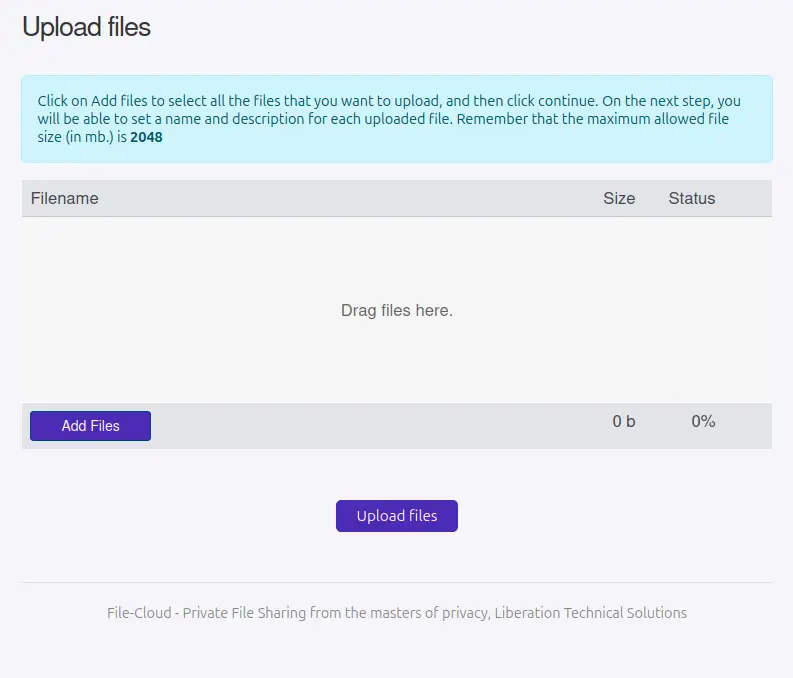
Step 1: Upload Your Files
Log in to your File-Cloud dashboard with your admin account. Here’s how to get your files ready:
Click “Upload Files” from the main menu.
Drag and drop your files or select them from your computer.
Add a title or description (optional) to help recipients know what they’re getting.
File-Cloud supports all kinds of files—documents, images, videos, you name it!
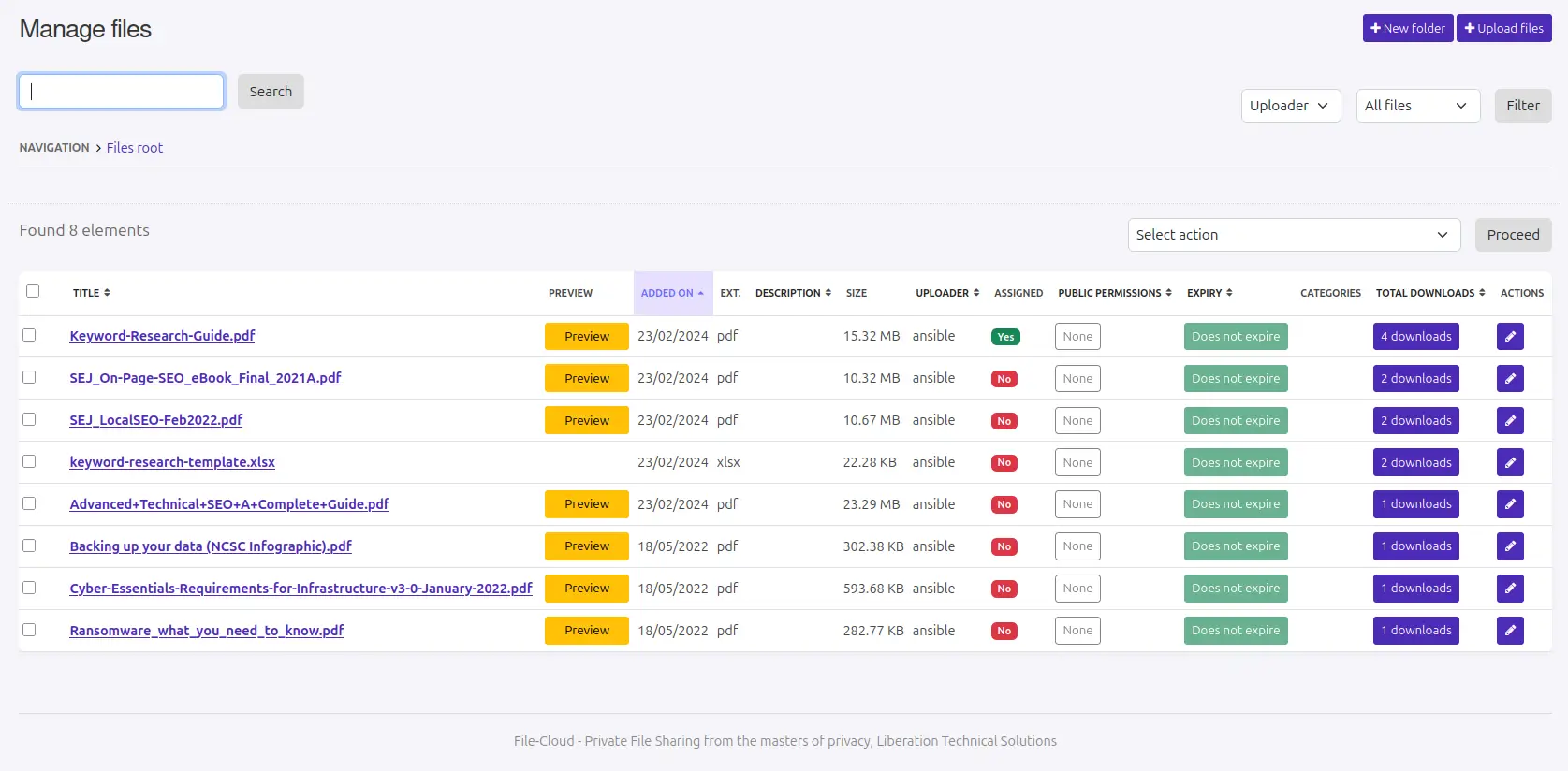
Step 2: Choose Who Gets Access
The magic of File-Cloud is in its user management. You decide exactly who sees your files:
Create Users: Go to the “Users” section and add the people you want to share with. Each user gets their own login.
Assign Files: Link specific files to specific users. Only those users can download them—no one else.
Set Permissions: You can even limit what users can do, like view-only access or allowing uploads.
This keeps your files private and prevents unauthorised access.
Step 3: Share the Link Safely
Once your files are uploaded and assigned, File-Cloud generates a secure link for each user. Here’s how to share it:
Send the link via email, text, or any secure messaging app.
Remind users to log in with their credentials to access the files.
For extra security, set an expiration date so the link stops working after a certain time.
No more worrying about files floating around in someone’s inbox!
So, Why Use File-Cloud?
Compared to other file-sharing tools, File-Cloud stands out because it puts you in charge. You don’t have to rely on third-party services that might snoop on your data. Plus, it’s lightweight and easy to use, even if you’re not a tech expert.
Sharing files doesn’t have to be risky. With File-Cloud, you can send anything—from work reports to family videos—knowing it’s safe and private. Upload your files, assign users, and share with confidence. It’s that simple!
Ready to give it a try? More info can be found here.
Take back control of your file sharing.