
Easy Password Management Tips for Better Online Security
In today’s digital world, securing your online accounts is more important than remembering where you left your drink. Weak or reused passwords are one of the most common ways hackers gain access to personal information. The good news? With a few simple strategies, you can manage your passwords effectively while keeping your accounts safe, without needing a PhD in cyber wizardry.
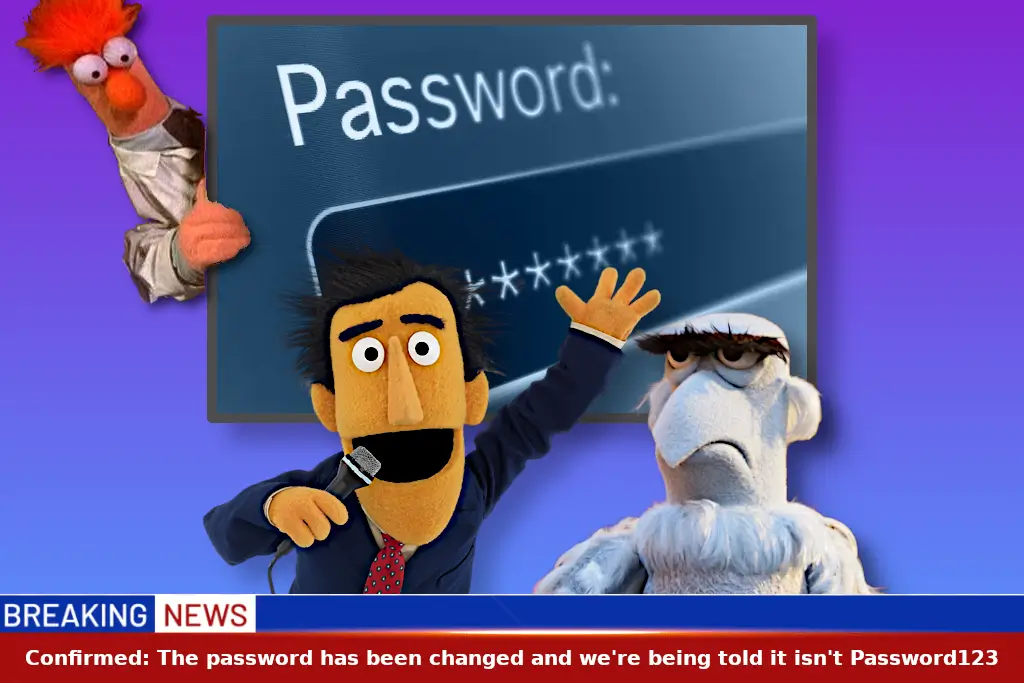
This guide will share easy password management tips and a mini cheat sheet for creating strong, memorable passwords (and maybe save you from using “password123” for the hundredth time).
1. Use a Password Manager
A password manager is a tool that securely stores all your passwords and can even generate strong, unique passwords for each account. Popular options include:
1Password
Bitwarden
LastPass
With a password manager, you no longer need to remember dozens of passwords – just your master password.
2. Create Strong, Unique Passwords
Every account should have a different password. Strong passwords are:
At least 12 characters long
A mix of uppercase & lowercase letters, numbers, and symbols
Not based on obvious info like your cat’s name or your favourite teabag flavour
Example: M0nkey$ky!92 -random, strong, but still memorable
3. Enable Two-Factor Authentication (2FA)
Two-factor authentication adds a second layer of security. Even if someone steals your password, they won’t be able to access your account without the extra code. Apps like Google Authenticator or Authy make this easy to set up.
4. Avoid Reusing Passwords
Reusing passwords is risky. If one account is hacked, all others using the same password are vulnerable. Always create unique passwords for each site.
5. Use Passphrases
A passphrase is a string of words that’s easy to remember but hard to guess. Examples:
BlueDuck!Mountain$42CoffeeTree!Sunset2023
Passphrases are often easier to recall than random characters, and unlike your uncle’s attempt at mnemonic devices, they actually work.
6. Regularly Update Passwords
Update sensitive account passwords – like email, banking, or social media – every 6–12 months, or immediately if there’s a reported breach.
7. Beware of Phishing
Even the strongest password can be stolen if you enter it on a fake website. Always:
Check the URL before logging in
Avoid clicking links in unsolicited emails or texts
If it seems too good to be true, it probably is.
8. Keep a Secure Backup
Password managers allow you to export encrypted backups. Never store passwords in plain text or unencrypted files – that’s just asking for trouble.
Mini Cheat Sheet: Strong Password Patterns
Here are some easy ways to create strong, memorable passwords:
Word + Symbol + Number
Combine two random words, a symbol, and a number.
Examples:
Tiger$Coffee42Ocean!Lamp91
Passphrase with a Twist
Use a short sentence and replace letters with numbers or symbols.
Example: “I love chocolate cake” → IL0v3Ch0c0!@k3
Favorite Things + Numbers
Mix favourite animals, colours, hobbies with numbers.
Examples:
BluePenguin88!GuitarMoon2023$
Keyboard Patterns (Smart Use)
Avoid simple sequences like 12345 or qwerty. Instead, mix symbols:
Example: 1qAz!2wSx@
Acronym Method
Use the first letters of a memorable sentence.
Example: “My dog Max loves eating tuna every Friday” → MdMl3tE!F
Quick Tips
Use 12+ characters for strong security
Make each password unique for every account
Let a password manager remember your passwords so you only need to remember your master password
Think of it as having a butler, a diary, and a very cautious inner voice all rolled into one.
I know, you’re thinking “What Faff…” But, how long would it take to recover from someone stealing your password? If it’s recoverable…Passwords are highly sought after. In this very digital world they are well worth protecting.
Till next time…Change those passwords before you ‘have’ to change those passwords because some git stole ’em.